> ## Documentation Index
> Fetch the complete documentation index at: https://docs.autocalls.ai/llms.txt
> Use this file to discover all available pages before exploring further.
# Prompt Templates
> Create and manage reusable prompt templates for your platform users
Prompt templates allow you to provide pre-built system prompts and initial messages that your users can quickly apply to their AI assistants. This helps maintain consistency and makes it easier for users to get started.
Navigate to **Prompt templates** in the Administration Panel to manage your templates.
## Creating a Template
Click **New prompt template** to create a new template.
### Basic Information
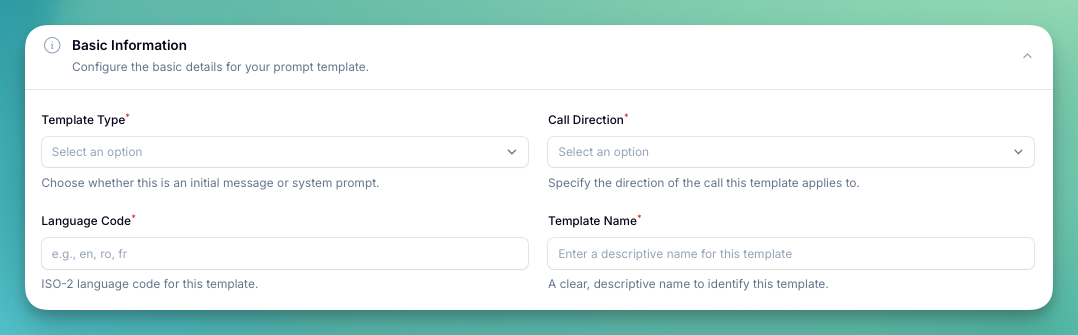 * **Template Type** — choose between:
* **System Prompt** — the main instructions that define the assistant's behavior
* **Initial Message** — the first message the assistant sends when a call starts
* **Flow** — a template specifically for the Flow Builder
* **Call Direction** — whether this template applies to **Inbound** or **Outbound** calls
* **Language Code** — ISO-2 language code (e.g., `en`, `ro`, `fr`)
* **Template Name** — a descriptive name to identify the template
### Template Details
* **Template Type** — choose between:
* **System Prompt** — the main instructions that define the assistant's behavior
* **Initial Message** — the first message the assistant sends when a call starts
* **Flow** — a template specifically for the Flow Builder
* **Call Direction** — whether this template applies to **Inbound** or **Outbound** calls
* **Language Code** — ISO-2 language code (e.g., `en`, `ro`, `fr`)
* **Template Name** — a descriptive name to identify the template
### Template Details
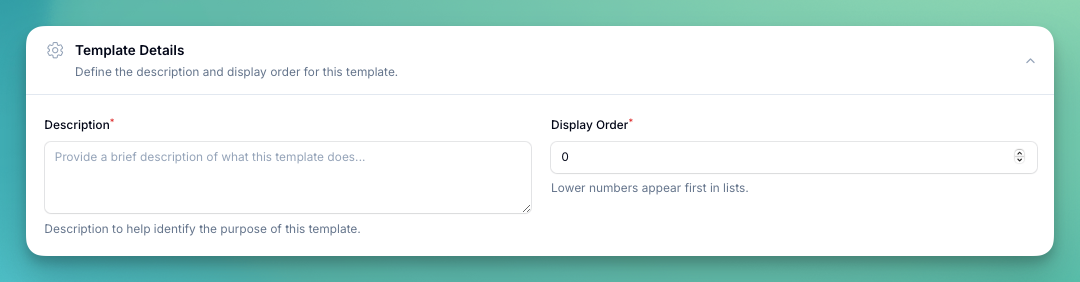 * **Description** — a brief explanation of what the template does, shown to users when selecting templates
* **Display Order** — lower numbers appear first in the list
### Template Content
* **Description** — a brief explanation of what the template does, shown to users when selecting templates
* **Display Order** — lower numbers appear first in the list
### Template Content
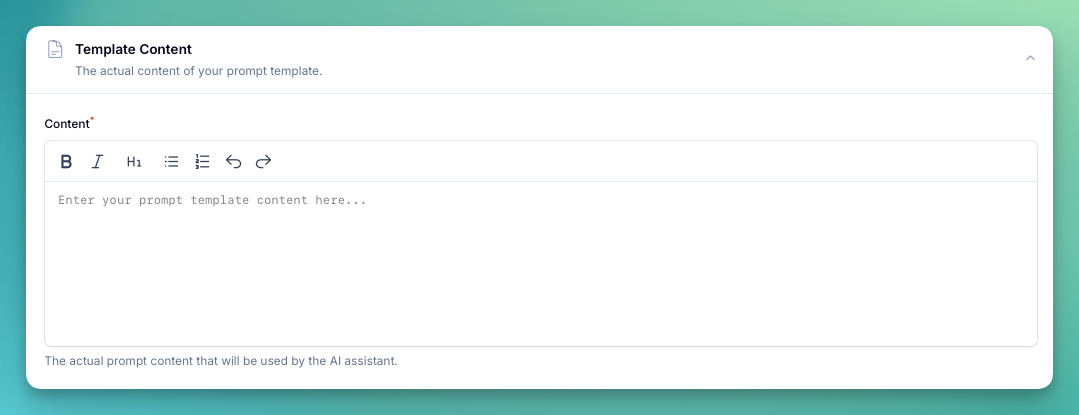 The actual prompt content written in markdown. This is what gets applied to the assistant when a user selects this template.